License Settings
StormTunnel → Settings (Cmd+,) → License tab
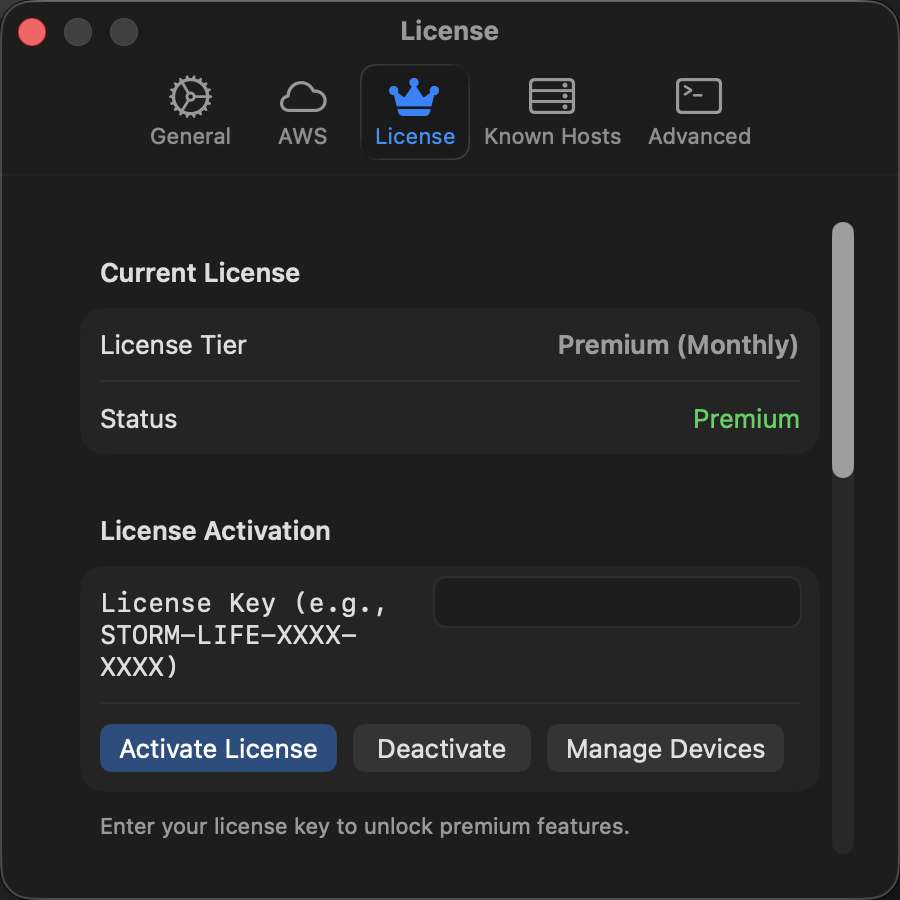
View your plan status and activate licenses.
Plans
| Feature | Free | Premium |
|---|---|---|
| Concurrent Tunnels | 1 | Unlimited |
| AWS Session Manager | No | Yes |
| Auto-Reconnect | No | Yes |
Pricing
| Plan | Price | Billing |
|---|---|---|
| Monthly | $5/month | Cancel anytime |
| Lifetime | $39 one-time | Never expires |
To upgrade, click View Plans & Upgrade and complete payment. Your license activates automatically. Restart the app if needed.
Activate a License Key
If you purchased from the website:
- Go to Settings -> License
- Click Activate License
- Paste your key and click Activate
Move License to a New Mac
- On the old Mac: Settings -> License -> Deactivate License
- On the new Mac: Settings -> License -> Activate License, then enter your key
Cancel Subscription
- Open the customer portal (link in your purchase email)
- Click Cancel Subscription
- Premium access continues until the end of the billing period
Offline Mode
Premium features work up to 14 days without internet. The license validates every 24 hours when online. A warning appears if validation is pending.
If you're behind a corporate firewall, ask IT to allow api.storm-tunnel.app on port 443.
Refunds
All purchases include a 30-day money-back guarantee. Contact support with your order number.